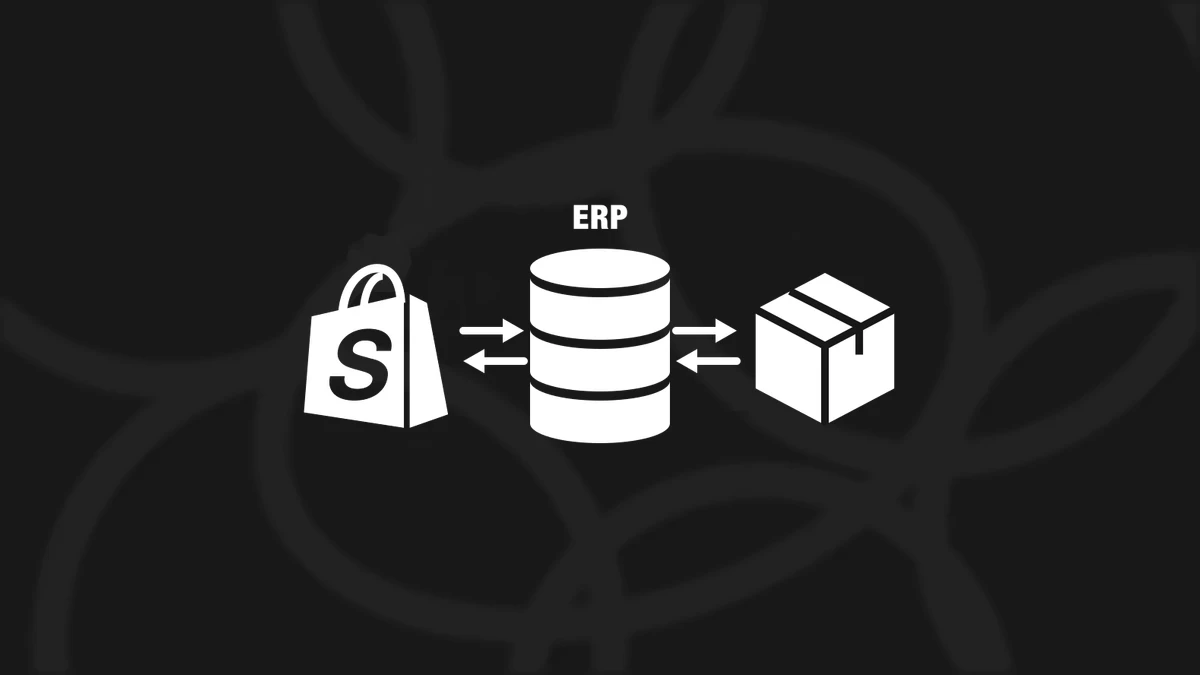


HOW TO OPTIMIZE TECHNICAL SEO IN YOUR SHOPIFY STORE
 By Jane Kholmetskaya, CTO — 06 May 2026
For D2C brands built on Shopify, nailing technical SEO is what separates a beautiful site from one that drives real organic growth. Google’s algorithms reward not just great content, but efficient architecture, fast load times, and index-ready code. This guide breaks down the essentials of technical SEO for Shopify - what it is, why it matters, and how to get it right.
WHY TECHNICAL SEO MATTERS FOR SHOPIFY STORES
Shopify provides a strong SEO foundation, but out of the box, it doesn’t cover everything. Without custom tuning, your store may suffer from crawl inefficiencies, slow performance, or indexation issues.
A solid Shopify SEO optimization strategy ensures:
- Faster site speeds and Core Web Vitals compliance
- Accurate indexation of key pages
- Protection against duplicate content
- Rich results via structured data
- Global readiness with hreflang
SHOPIFY TECHNICAL SEO CHECKLIST
URich has audited and optimized dozens of high-traffic Shopify stores. Here’s our proven Shopify technical SEO checklist:
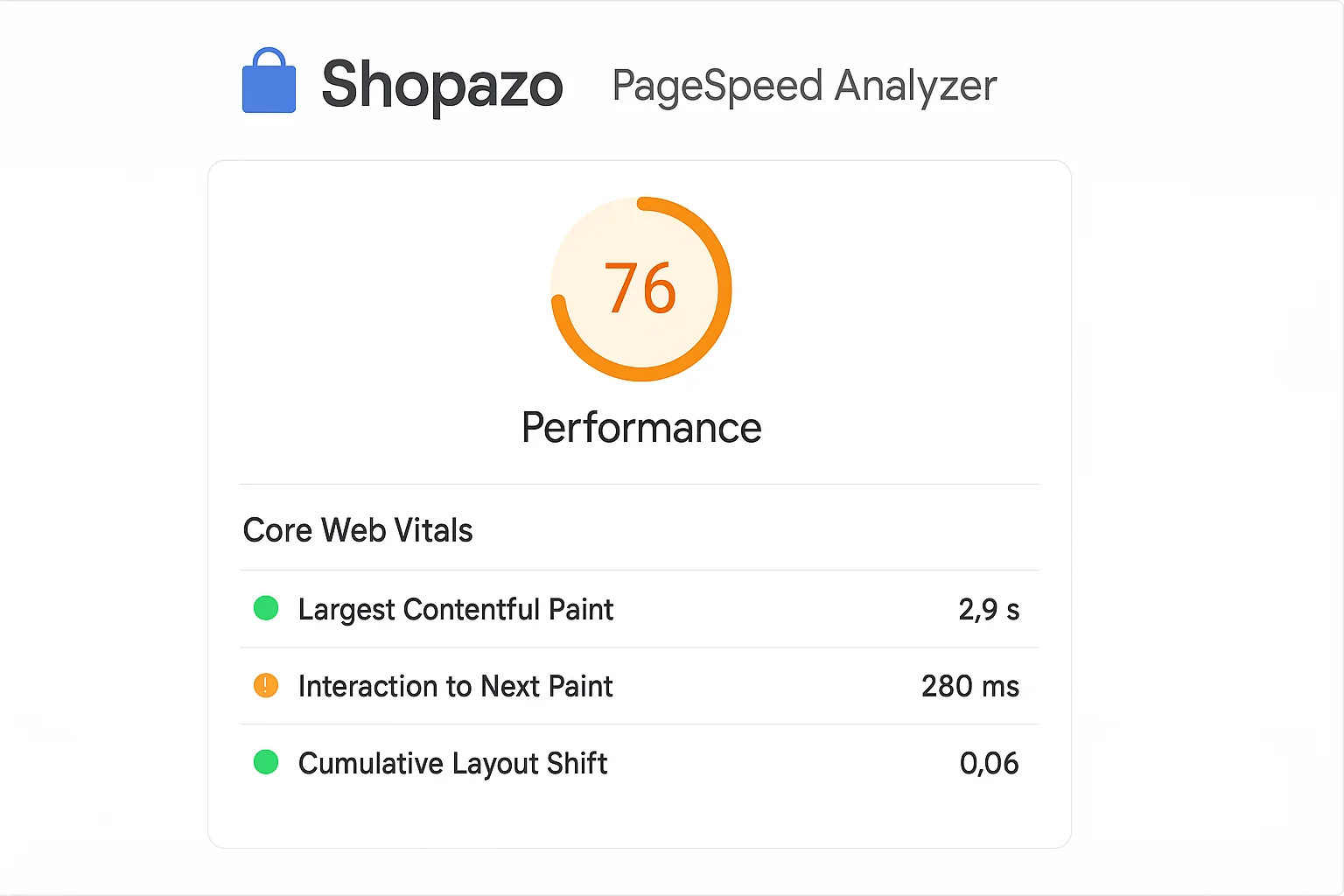
1. CORE WEB VITALS & SPEED OPTIMIZATION
- Optimize images with AVIF/WebP formats and compression
- Lazy-load below-the-fold assets
- Remove unused scripts/apps
- Use Shopify’s native fast CDN
- Minimize JavaScript and third-party requests
Tool tip: Use PageSpeed Insights and GTmetrix to track improvements.
2. CLEAN AND CONFIGURABLE ROBOTS.TXT
- Shopify allows custom robots.txt since 2021
- Block irrelevant URLs like /cart, /search, /checkout
- Allow access to content-rich pages for crawling
3. XML SITEMAP CONTROL
- Shopify auto-generates a sitemap at /sitemap.xml
- Use Google Search Console to submit and validate it
- Remove URLs you don’t want indexed (tag pages, internal search)
4. CANONICAL TAGS
- Ensure canonical tags point to main product/collection versions
- Avoid self-referencing canonicals on filtered/tagged pages
- Custom apps may override canonicals - always double-check
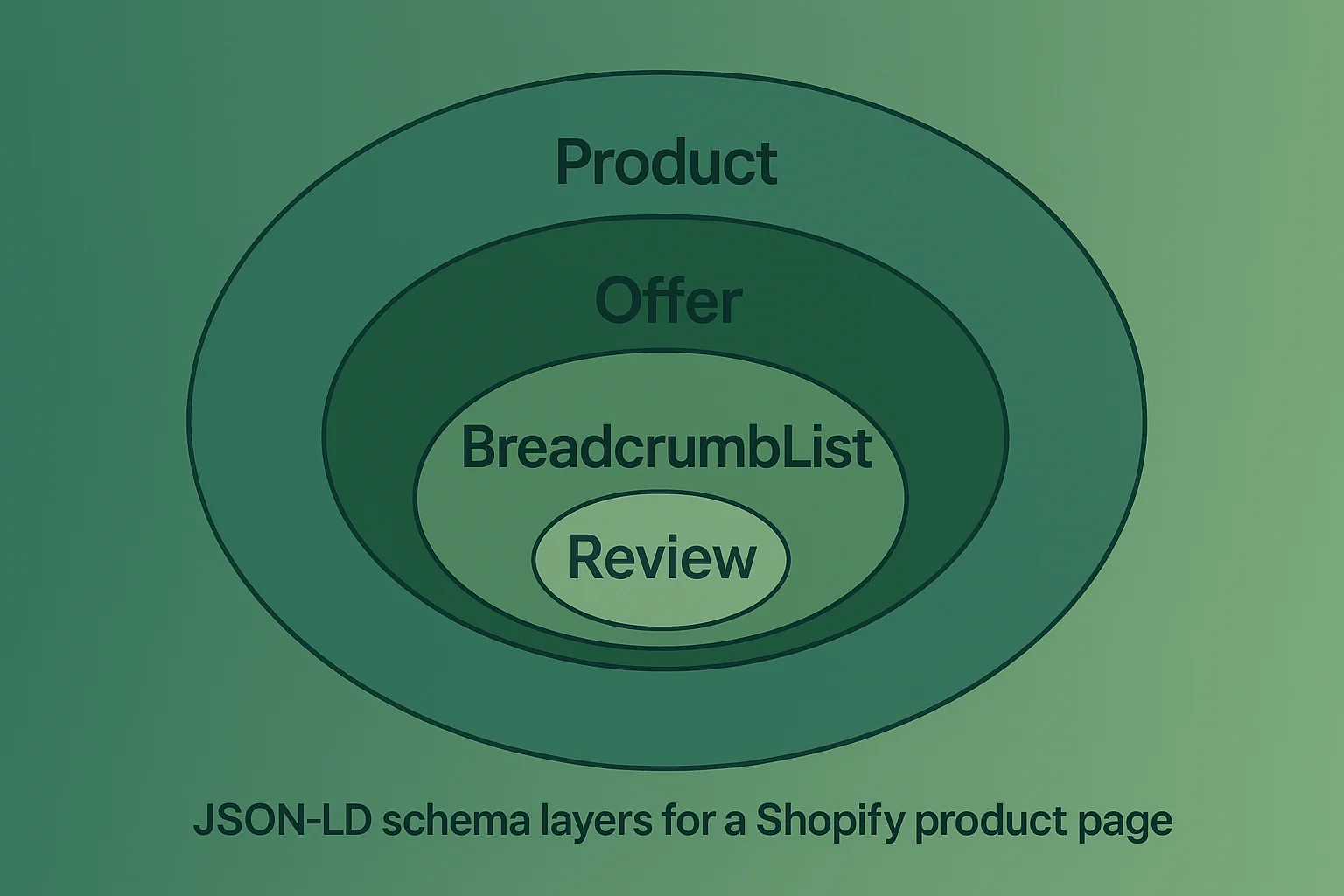
5. SHOPIFY STRUCTURED DATA FOR RICH RESULTS
- Add JSON-LD schema for: Products (price, availability, ratings), Breadcrumbs Organization and contact info
- Avoid duplicate or conflicting schema from apps
Example: Implementing structured data increased impressions by 24% for a furniture D2C store in just 2 weeks.
6. HREFLANG FOR INTERNATIONAL SEO
- Use apps like Langify or Shopify Markets to generate hreflang
- Validate with Google’s Hreflang Testing Tool
- Match language and regional URLs accurately
7. INDEXATION AND CRAWL MANAGEMENT
- Audit via Google Search Console: Index Coverage + URL Inspection
- Use “noindex” for tag, filter, or pagination pages
- Avoid thin content or placeholder pages getting indexed
ADVANCED TECHNICAL SEO TACTICS
OPTIMIZE INTERNAL LINKING STRUCTURE
- Use keyword-rich anchor text for cross-links
- Link from blog content to product pages where relevant
USE APP SCRIPTS WISELY
- Remove or defer scripts from unused apps
- Group analytics (GA4, Hotjar, Klaviyo) efficiently in GTM
MONITOR SEO HEALTH REGULARLY
- Monthly crawl reports via Screaming Frog or Sitebulb
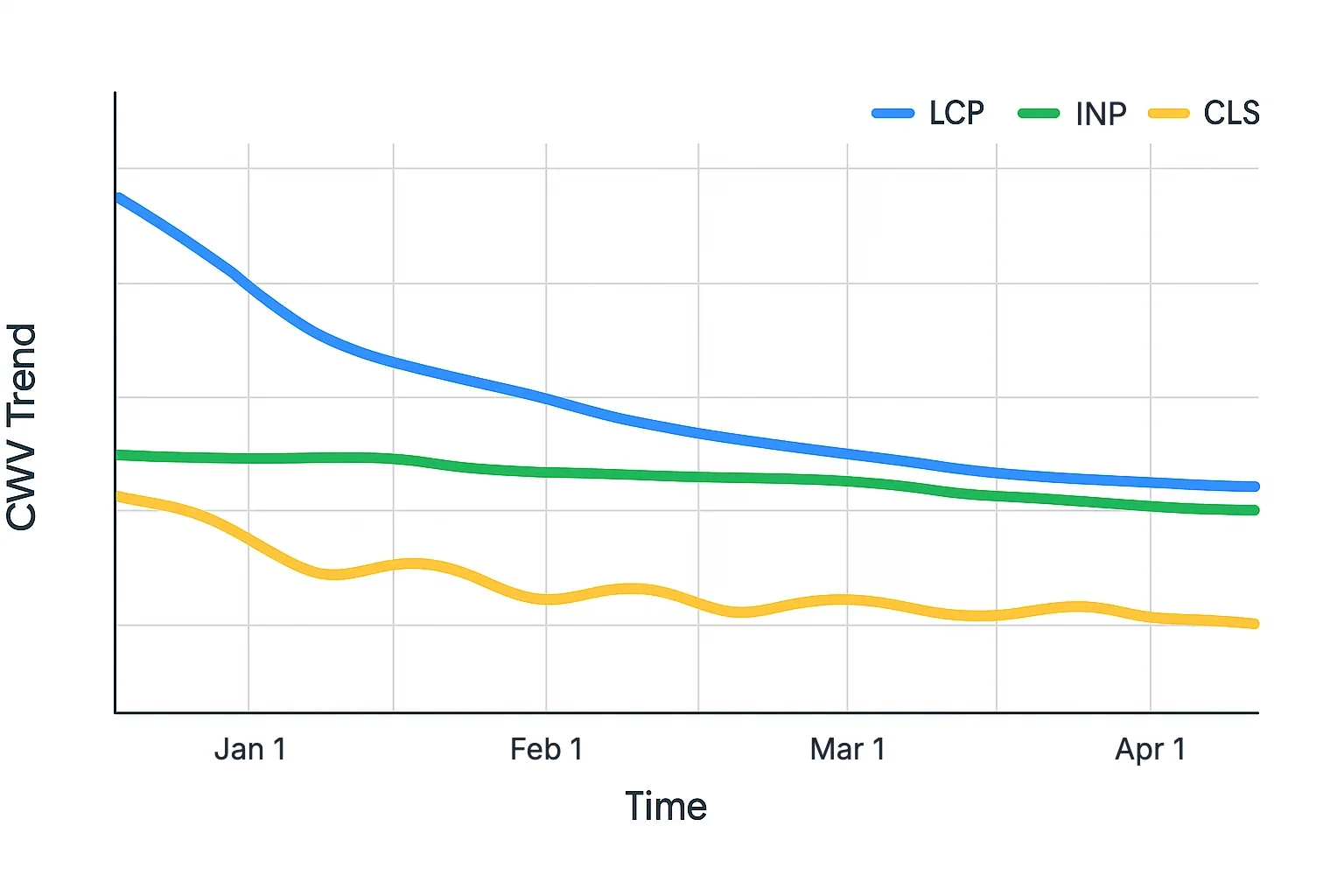
- Track CWV trends and CLS shifts over time
LET URICH HANDLE YOUR SHOPIFY SEO OPTIMIZATION
Our team helps D2C brands maximize visibility with full-stack technical SEO for Shopify. Whether it’s fixing your Core Web Vitals or auditing schema setup, we bring development and marketing together.
- Shopify speed audits and CWV remediation
- Structured data implementation and validation
- Custom robots.txt, sitemap, hreflang setup
- Technical A/B testing for SEO impact
Want your store to rank and convert better? Book a free strategy call or message our team today.
FAQ
Some optimizations (like structured data or canonical tags) require theme edits, but many settings are now accessible via apps or Shopify admin.
Duplicate content and weak page speed are most common. Both affect crawl budget and rankings.
Use tools like Google Search Console, Screaming Frog, and PageSpeed Insights to regularly audit and catch issues early.